
What size should album cover art be?
Album cover art should be square, and 3000 by 3000 pixels. That is the number your distributor checks before anything reaches a streaming service, and a cover that does not meet it can easily postpone your release.
The short answer
Square, 3000 by 3000 pixels, RGB, saved as a JPG or PNG. Meet that and you are set for Spotify, Apple Music, Bandcamp and every major distributor — one file satisfies all of them, and nothing in the chain will complain.
| Where | Needs | Worth knowing |
|---|---|---|
| Apple Music | 3000 x 3000 minimum | The strictest of the big three, and the reason 3000 became the standard |
| Spotify | Square, 3000 x 3000 recommended | Its own upload floor is lower, but almost nobody delivers directly |
| Your distributor | 3000 x 3000, usually enforced | DistroKid, TuneCore and CD Baby all check before anything is sent on |
| Bandcamp | Square, larger is better | More forgiving, but there is no reason to prepare a second file |
You are not really meeting Spotify's requirement. You are meeting the strictest requirement in the chain, because one file has to satisfy all of them.
Why 3000px, rather than some other number
It is not a resolution anyone displays. No listener will ever see your cover at three thousand pixels across. It is an archival floor: the distributor takes one file and generates every size each service wants from it, and that master has to be large enough for the most demanding of them. Apple sets the bar, so the distributors enforce Apple's number on everybody.
Going much larger buys you very little. Some distributors cap the upload size, and the services resample down to their own dimensions the moment they receive it. 3000 square is the point where the file is large enough for everyone and small enough to be convenient.
Photo effects that suit an album cover
These five work well on cover artwork, for the reason the whole format demands — each one simplifies the picture rather than adding to it. All run in the browser and export at whatever resolution you loaded. The thumbnails show the same photograph before and after.
-
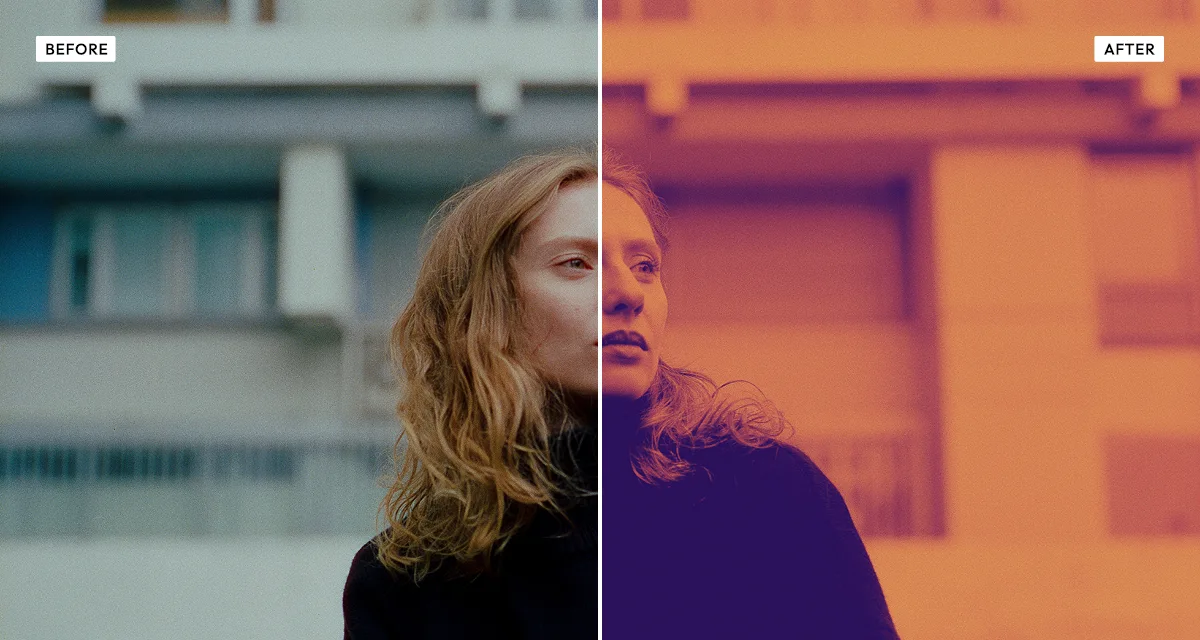 Duotone
Two flat colours and nothing else. Survives being shrunk better than almost anything, and leaves calm areas for type to sit on.
Try the effect
-
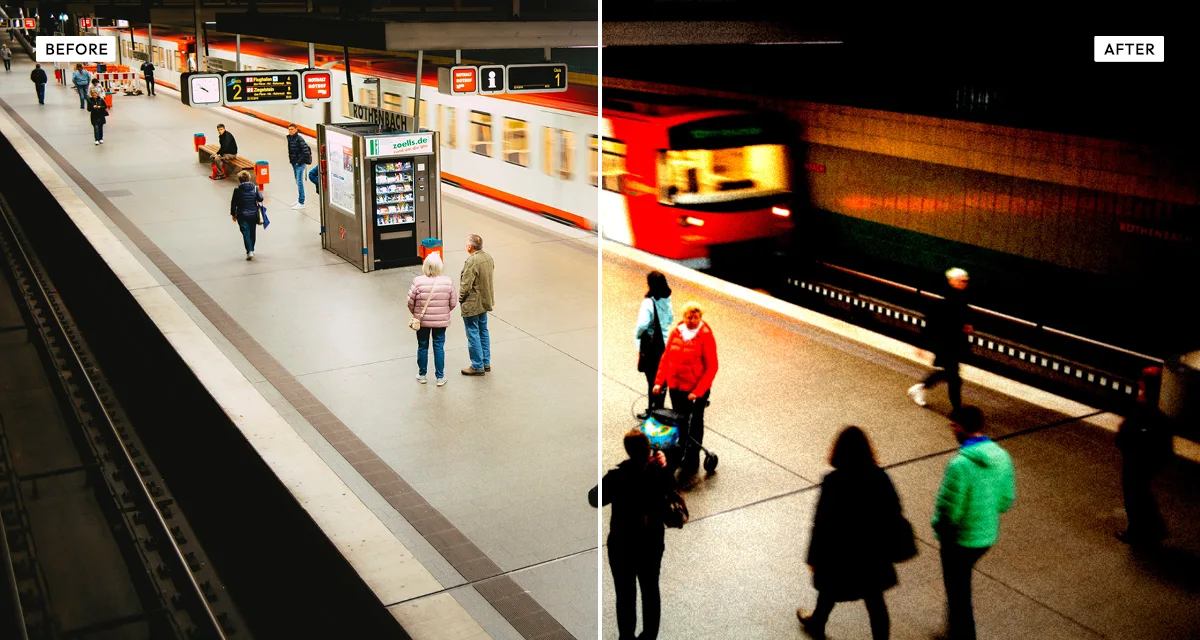 Grainy Film Poster
Heavy push-processed grain, blocked blacks, blown highlights. The rock and post-punk sleeve, and it needs the pixels to read properly.
Try the effect
-
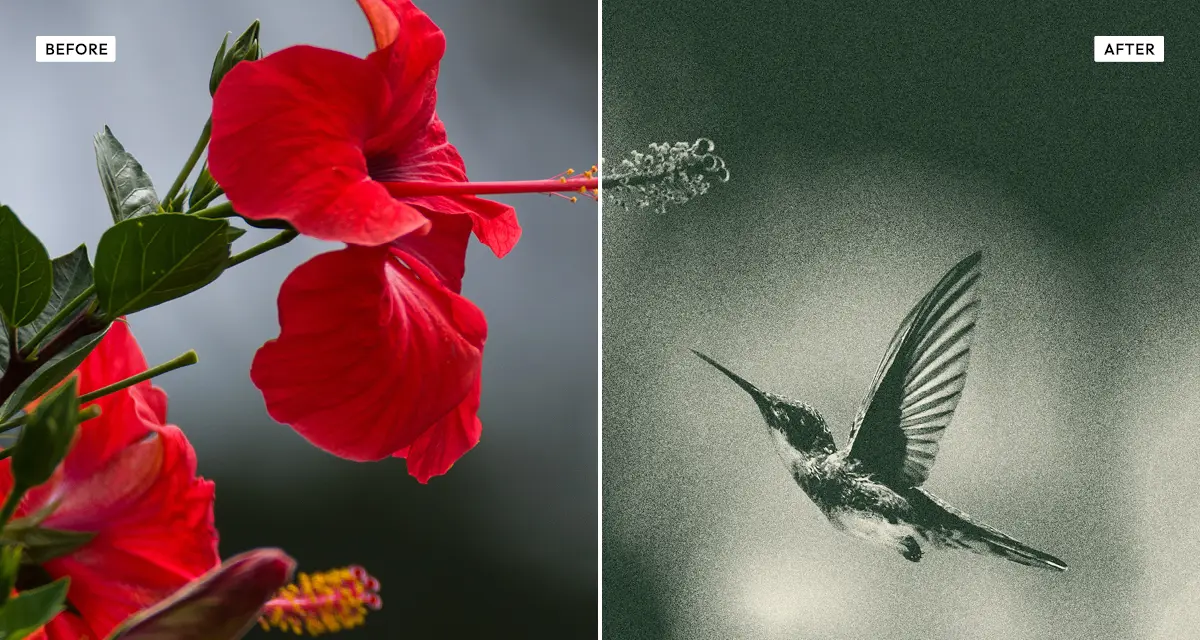 Risograin
One flat ink with coarse grain, as a risograph prints. Made for DIY and small-label releases.
Try the effect
-
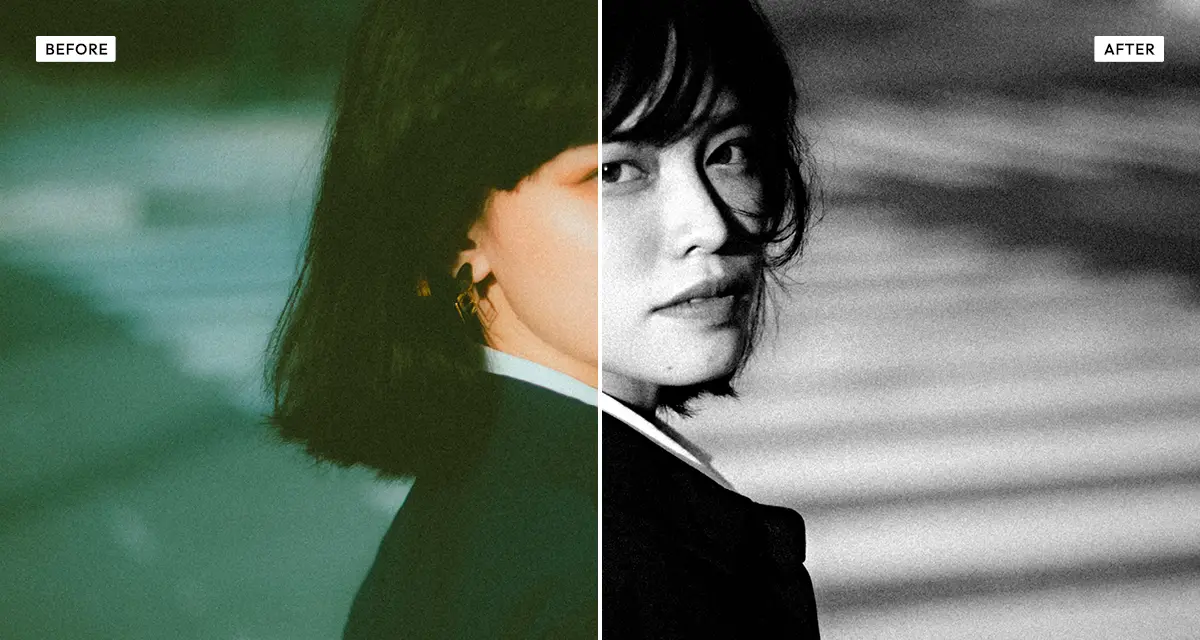 Dramatic Black & White
Monochrome with the contrast pushed. The classic and jazz route, and it stays legible at any size.
Try the effect
-
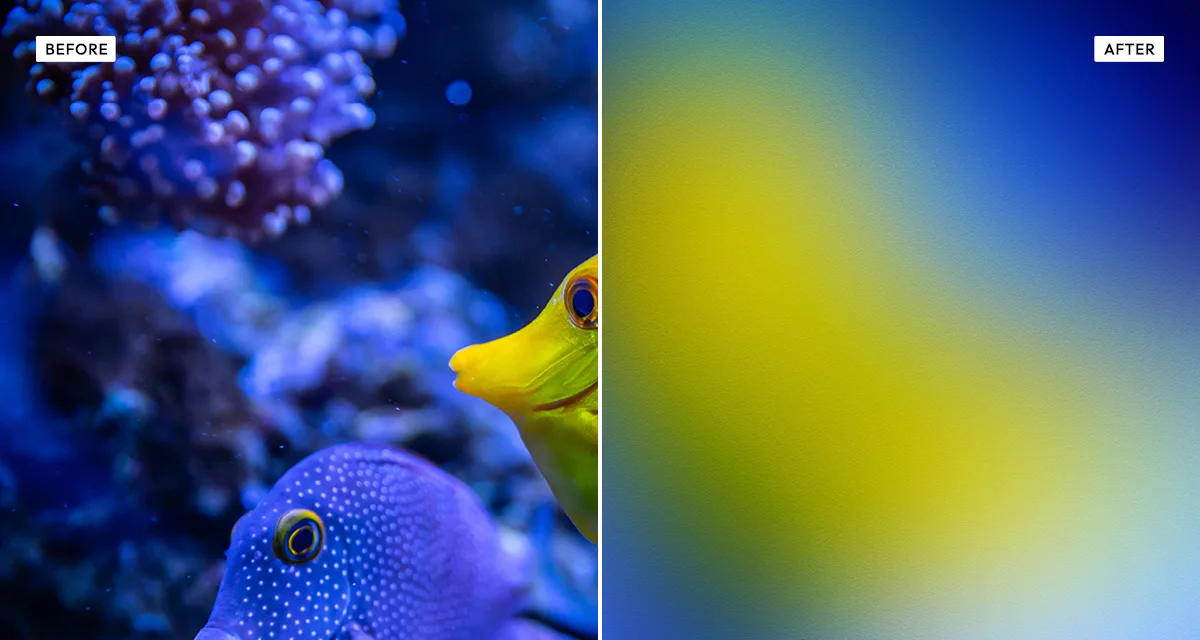 Gradientor
Blurs a photograph down to a smooth colour wash. The palette and composition survive, the detail does not — useful when the cover is mostly typography.
Try the effect
-
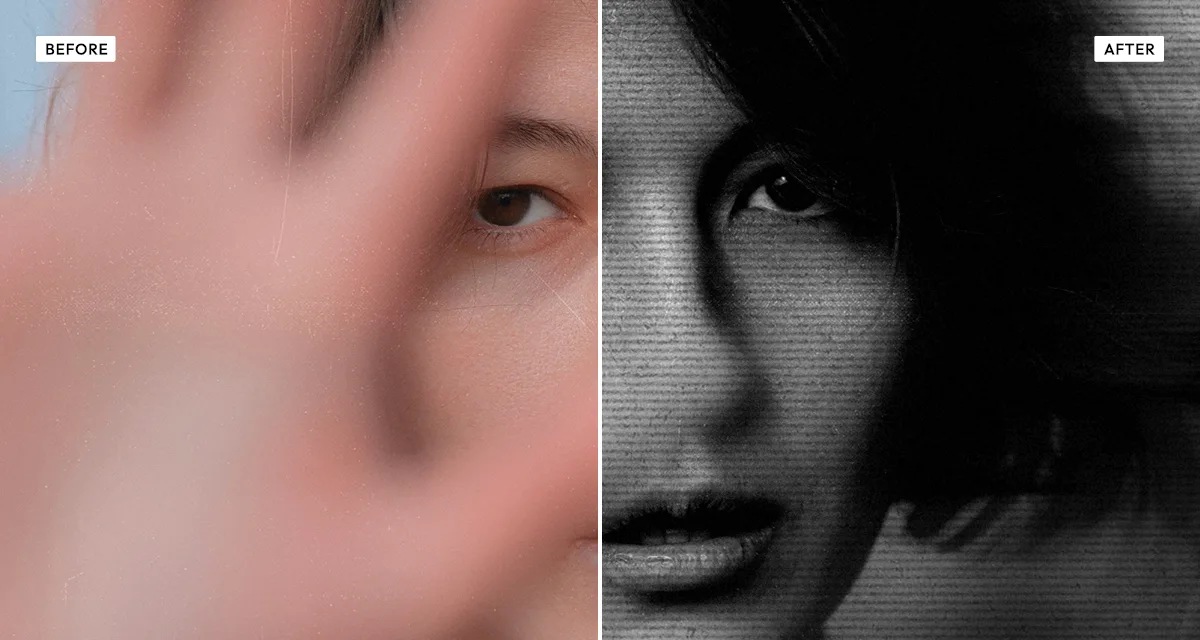 Photocopy Scan
A copier cannot print grey, so the photograph reduces to toner or bare paper. Nothing survives a thumbnail better, and it brings the zine and hardcore lineage with it.
Try the effect
-
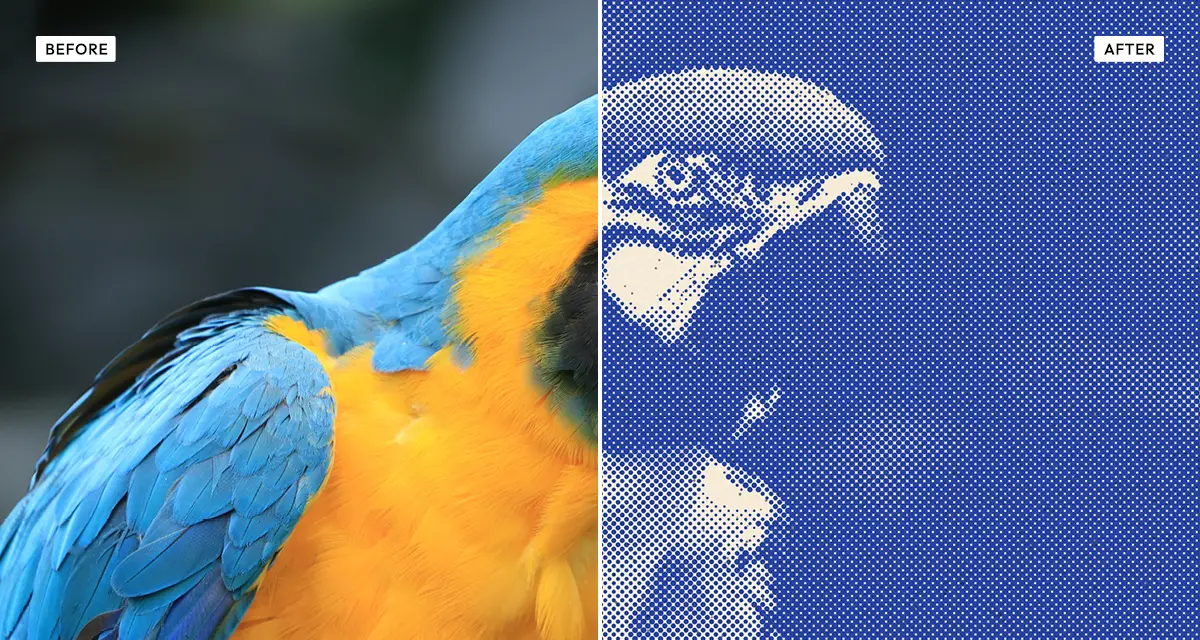 Duo Halftone
Two colours of printed dots, as two-ink screen printing lays them down. Flat and graphic, with the dot size and screen angle under your control.
Try the effect
-
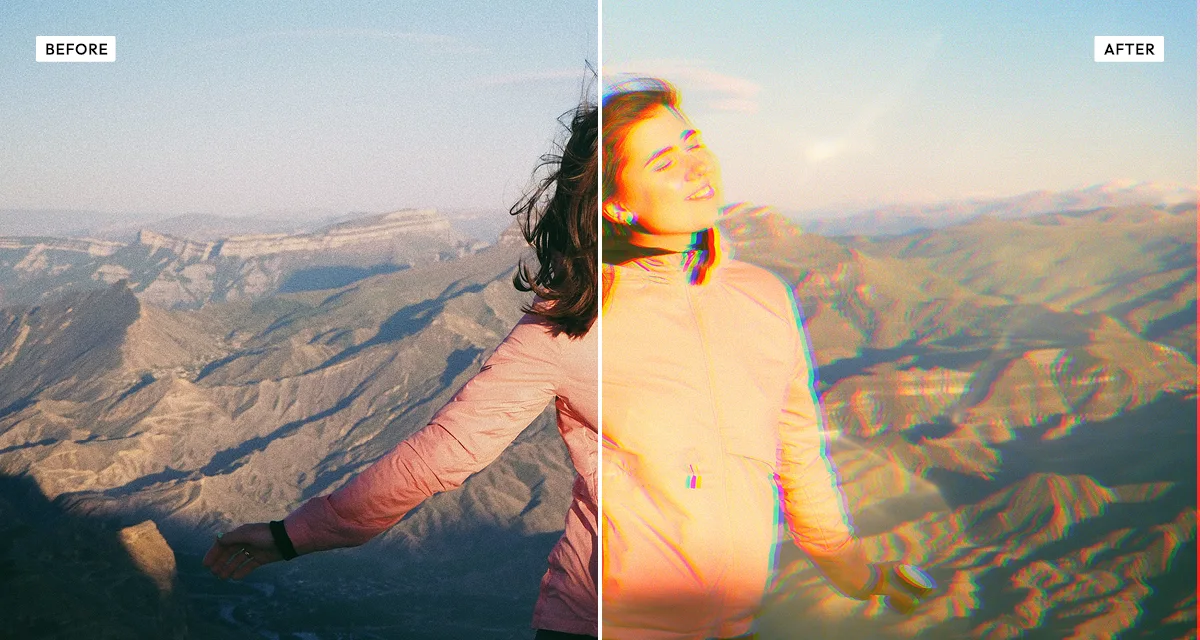 Prismatic Light
Lens flare and colour fringing over the photograph. Suits ambient and electronic records, where the cover should feel like something rather than show something.
Try the effect
-
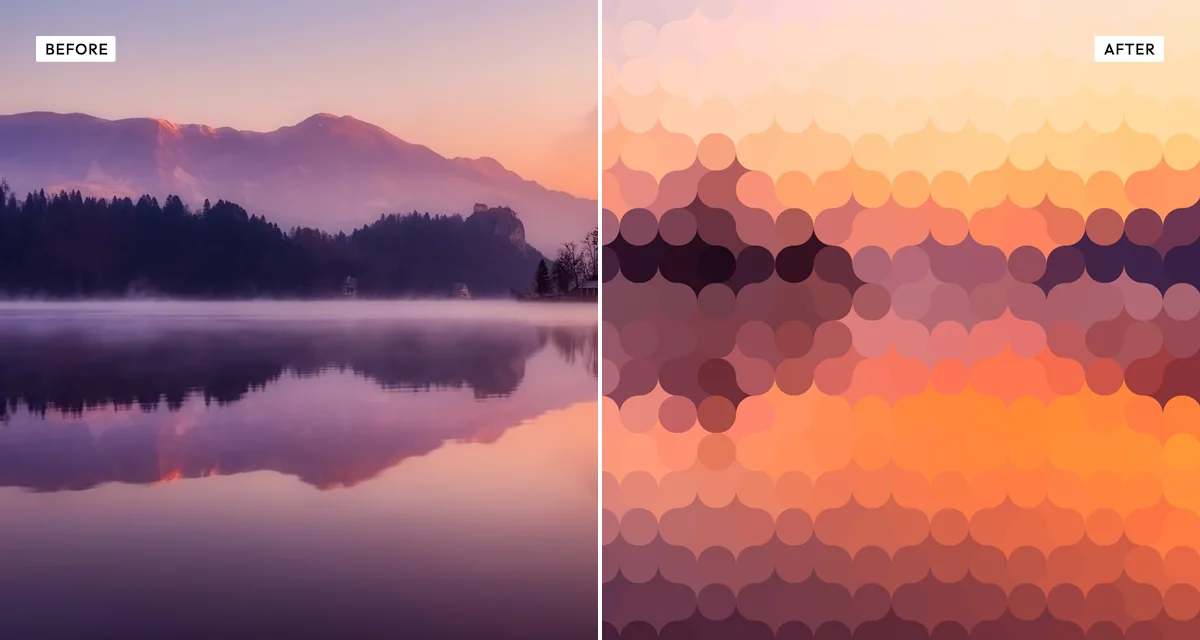 Pixelator
Rebuilds the picture from rounded tiles, so the subject is suggested rather than shown. At thumbnail size the tiles simply read as a pattern.
Try the effect
Whichever you use, the treatment is the easy part. What decides whether the cover is accepted is the size of the file you export, and that is worth being deliberate about.
What happens when the file is too small
Usually the upload is simply rejected and you fix it in ten minutes. The expensive version is when it is rejected after you have set a release date, told people and scheduled the announcement. Distributors want artwork well ahead of the date, so a cover that does not meet the requirement can postpone the whole release for the sake of a file size — and the fix, once you know, takes minutes.
Check the pixel dimensions of your cover before you book the release date, not after. It is a ten-second check that occasionally saves a week.
Why upscaling does not rescue a small file
Enlarging an image does not recover detail. It invents pixels by averaging the ones either side of the gap, which is a reasonable guess at what belongs there and nothing more. A 1000-pixel photograph stretched to 3000 is still a 1000-pixel photograph, now with soft edges and a faint plastic smoothness where the detail should be.
It shows worst on exactly the sort of artwork that suits a cover. Grain, halftone dots, riso texture and scanned paper are all fine high-frequency detail, and that is the first thing an upscaler smears. A clean gradient survives enlargement fairly well; a grainy photograph does not.
Where your cover is actually seen
The gap between the file you deliver and the size anyone views it at is enormous. In a phone app a cover sits at a few hundred pixels, and in a playlist row it is smaller than a postage stamp. You prepare three thousand pixels so that one archival file works everywhere, and then it is judged at a fraction of that.
Which has consequences for what you put on it — contrast and shape survive the shrink, fine detail and thin lettering do not. That is a whole subject of its own, and the album cover effects collection works through which treatments hold up when the artwork is small.
Getting a 3000-pixel file out of a photograph
This is the part people assume will be a problem and usually is not. A 12-megapixel phone camera — which is most phones of the last decade — shoots about 4032 by 3024 pixels. Crop that to a square and you have 3024 by 3024, which clears the requirement with twenty-four pixels to spare.
Almost any modern phone photo is already large enough for a cover. What matters is whether you export it at full size.
That is the one thing worth being careful about. A preview or a web-sized export is typically a few hundred pixels on the long edge, which is nowhere near a quarter of what you need, and no amount of enlarging afterwards will put the difference back. Crop square from the original file, run whatever treatment you want, and export at the source resolution.
Frequently asked questions
What size should album cover art be?
Square, 3000 by 3000 pixels, RGB, as a JPG or PNG. That is what distributors check for before sending a release on, and it satisfies every streaming service at once. Smaller files are commonly rejected at upload.
Does Spotify require 3000 x 3000 cover art?
Spotify recommends 3000 by 3000 and its own direct-upload floor is lower, but that rarely matters because almost everyone delivers through a distributor, and distributors enforce 3000 to satisfy Apple Music as well. Prepare one 3000-square file and it works everywhere.
Can I upscale a small image to 3000 pixels?
You can, but it does not recover detail. Enlarging invents pixels by averaging their neighbours, so a 1000-pixel photograph becomes a soft 3000-pixel one rather than a sharp one. It shows worst on grain, halftone and scanned texture, which is exactly the sort of artwork that suits a cover.
Is a phone photo big enough for album cover art?
Almost certainly. A 12-megapixel phone camera shoots around 4032 by 3024 pixels, so a square crop gives 3024 by 3024 and clears the 3000 requirement. The thing to watch is the export: a preview or web-sized version will be far too small, so export at the original resolution.
What file format should album artwork be?
JPG or PNG, in RGB rather than CMYK. JPG at high quality is the usual choice because the file stays manageable; PNG is worth it if the artwork has flat colour areas or hard edges that JPG compression would soften.
Why does my cover look blurry on streaming services?
Usually because the delivered file was smaller than 3000 square and was enlarged somewhere along the way, or because it was exported from a preview rather than the original. Services resample down from the file they are given, so they can only ever be as sharp as what you sent.
Choosing the look, now the size is settled
Size is the part somebody else enforces. What the cover actually looks like is the part that decides whether anyone stops on it, and the two pull in different directions — you deliver three thousand pixels and it gets judged at a few hundred. The album cover effects collection compares nine photo effects by how well they hold together once the artwork is small.