SYNTH—

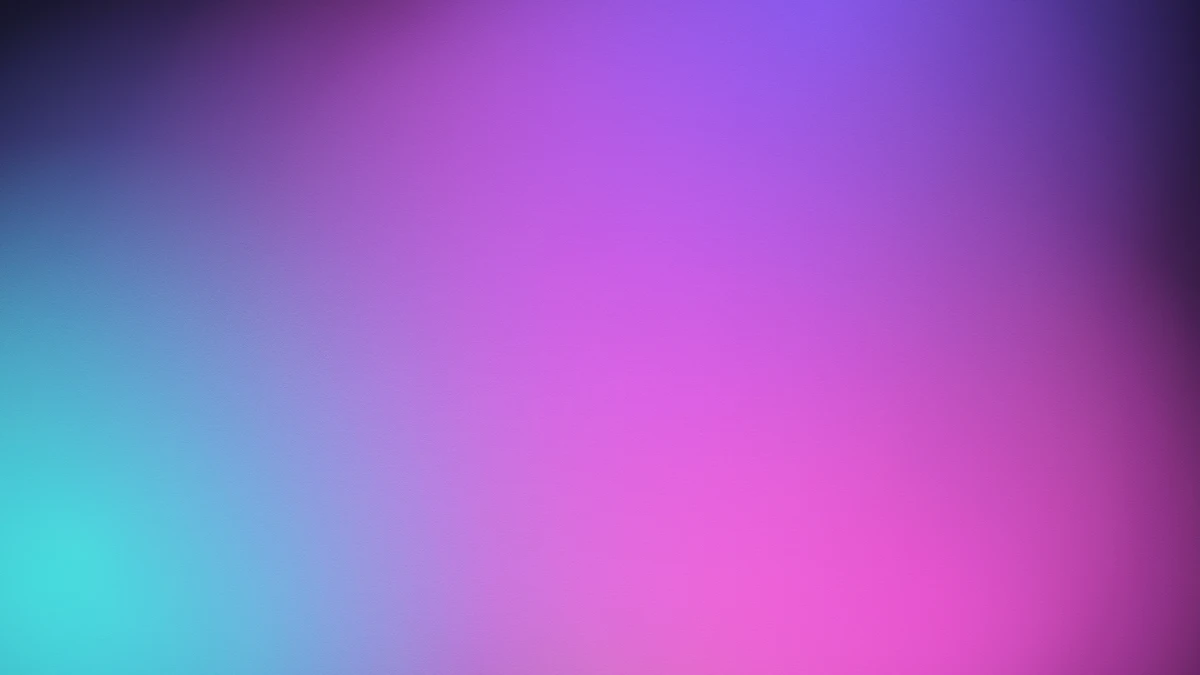
The mesh gradient generator creates smooth multi-colour gradient backgrounds in your browser. A mesh gradient blends several colour points across a surface rather than fading between two ends, so the result curves and pools like light on fabric. No photo is needed — pick a palette, reroll the layout and export.
Last updated 21 August 2026
An ordinary linear gradient interpolates between two or more stops along a single axis. A mesh gradient works in two dimensions: colour points are placed anywhere on the plane, and every pixel takes a weighted blend of the points nearest it. Because influence falls off with distance, colours pool around their nodes and bleed into each other in curved bands rather than straight lines.
This generator places its nodes randomly, which is what the reroll layout button changes — the palette stays, the arrangement is redrawn. Node size sets how far each colour's influence reaches and blend how softly neighbouring fields merge. The final grain pass matters more than it looks: smooth gradients on 8-bit displays produce visible banding, and a little noise breaks up those bands so the transition reads as continuous.
| Control | Range | Default | What it changes |
|---|---|---|---|
| Palette | 12 presets + custom | Cyber | Cyber, Aurora, Neon, Holo, Midnight, Sunset, Ocean, Candy, Forest, Fire, Vapor and Mono, or your own colours. |
| Aspect ratio | 1:1 · 16:9 · 9:16 · 4:5 | 16:9 | Square for social, 16:9 for slides and hero images, 9:16 for stories, 4:5 for feed posts. |
| Nodes | 3–14 | 7 | Number of colour points. Fewer gives broad calm fields; more gives busier, more iridescent blends. |
| Node size | 20–120 | 60 | How far each colour reaches. Large values overlap heavily and mix into new hues. |
| Blend | 0–100 | 55 | Softness where fields meet. Low keeps colours distinct; high melts them together. |
| Saturation | −50 to +100 | 5 | Colour intensity. Push high for vivid poster backgrounds, negative for muted UI surfaces. |
| Brightness | −50 to +50 | 0 | Overall lightness. |
| Contrast | −50 to +100 | 0 | Separation between light and dark areas of the mesh. |
| Grain | 0–100 | 22 | Noise over the surface. Its real job is hiding the banding smooth gradients show on 8-bit screens. |
| Grain size | 1–100 | 1 | Particle size. Keep it at 1–3 for fine dither; larger reads as deliberate texture. |
Website and app backgrounds, presentation and pitch-deck slides, social posts and story backgrounds, album and podcast artwork, phone and desktop wallpapers, event graphics, and placeholder art while a design is still forming.
A mesh gradient blends several colour points positioned across a two-dimensional surface, rather than fading between stops along a single line as a linear gradient does. Each pixel takes a weighted blend of the nearest points, so colours pool and curve into one another instead of forming straight bands.
Pick a palette, set the aspect ratio to match where it will be used — 16:9 for slides and hero images, 4:5 for feed posts — then reroll the layout until you like the arrangement. Drop contrast and saturation if text will sit on top; a calm mesh reads far better under type than a vivid one.
That is colour banding. Ordinary screens show only 256 levels per channel, which is not enough for a smooth gradient across a wide area. Raising grain above about 15 dithers the transition and hides the bands, which is why the grain default here is 22 rather than zero.
Yes. The mesh gradient generator is free, and you can try every palette and setting without signing up. Credits are only needed to export at full resolution; previewing and standard-resolution export cost nothing.
No. The mesh gradient generator creates the image from nothing — there is no photo to upload and nothing to prepare. Choose a palette, set the aspect ratio, reroll until you like the arrangement, and export. Everything is generated in your browser on your own device.
That is colour banding, and it happens because ordinary screens show only 256 levels per channel — not enough for a smooth gradient across a wide area. Raising the grain control above about 15 dithers the transition and hides the bands. It is why the grain default is 22 rather than zero.
Match the aspect ratio to the destination first: 16:9 for slides and website heroes, 9:16 for stories, 4:5 for feed posts and 1:1 for avatars or album art. Because a mesh gradient has no fine detail it scales up gracefully, so the ratio matters far more than the pixel dimensions.
Yes. Gradients you create here can be used for personal and commercial projects, including client work, packaging and merchandise. Full terms are on the licence page.
To turn a photograph into a gradient instead of generating one, use Gradientor. Duotone maps an image onto two colours, Prismatic Light adds refraction and flare, and Risograin gives flat printed colour with grain.