
Photo Effect Collections
Twenty-three effects is a lot to scroll through when you already know roughly what you want. These five collections make it easier for you by grouping the effects together — by the look you are after, or by the scenario and context.
-
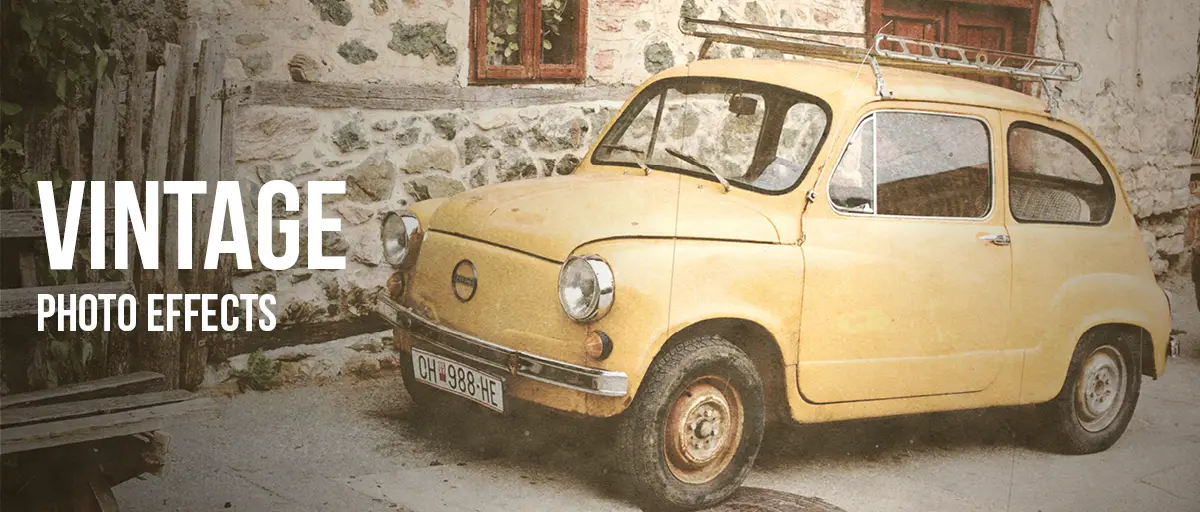 Old & Vintage Photo Effects
7 effects
For making a photograph look like it has age on it — faded colour, film grain, or a print that has been handled and scratched. Start here for nostalgia, family photos, anything that should feel found rather than made.
See the collection
Old & Vintage Photo Effects
7 effects
For making a photograph look like it has age on it — faded colour, film grain, or a print that has been handled and scratched. Start here for nostalgia, family photos, anything that should feel found rather than made.
See the collection
-
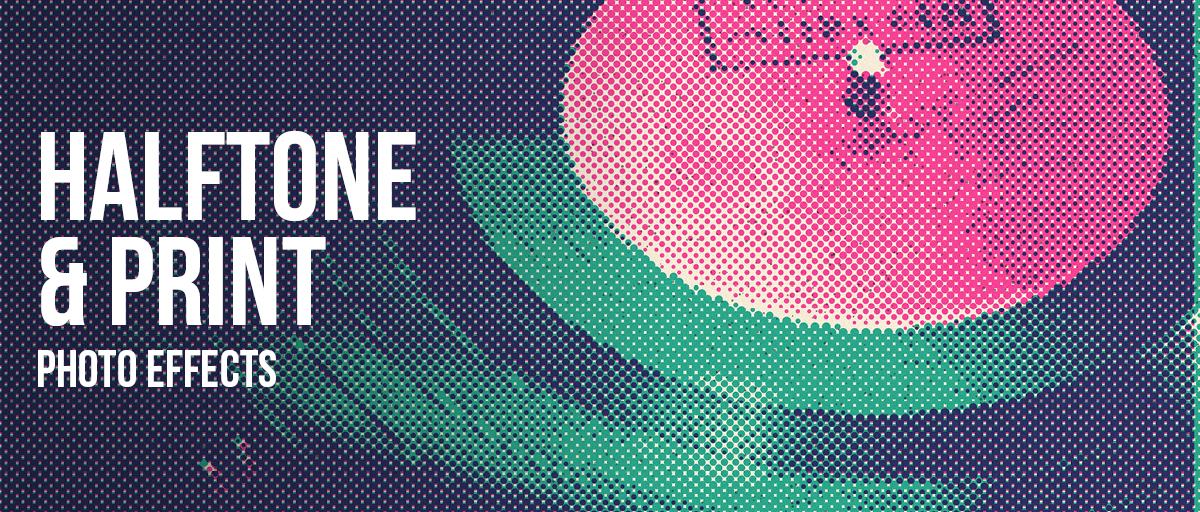 Halftone & Print Photo Effects
7 effects
For making a photograph look like it was printed rather than displayed — risograph, halftone dots, engraved lines, newsprint, photocopier. Start here for zines, gig posters, t-shirts and anything headed for a press.
See the collection
Halftone & Print Photo Effects
7 effects
For making a photograph look like it was printed rather than displayed — risograph, halftone dots, engraved lines, newsprint, photocopier. Start here for zines, gig posters, t-shirts and anything headed for a press.
See the collection
-
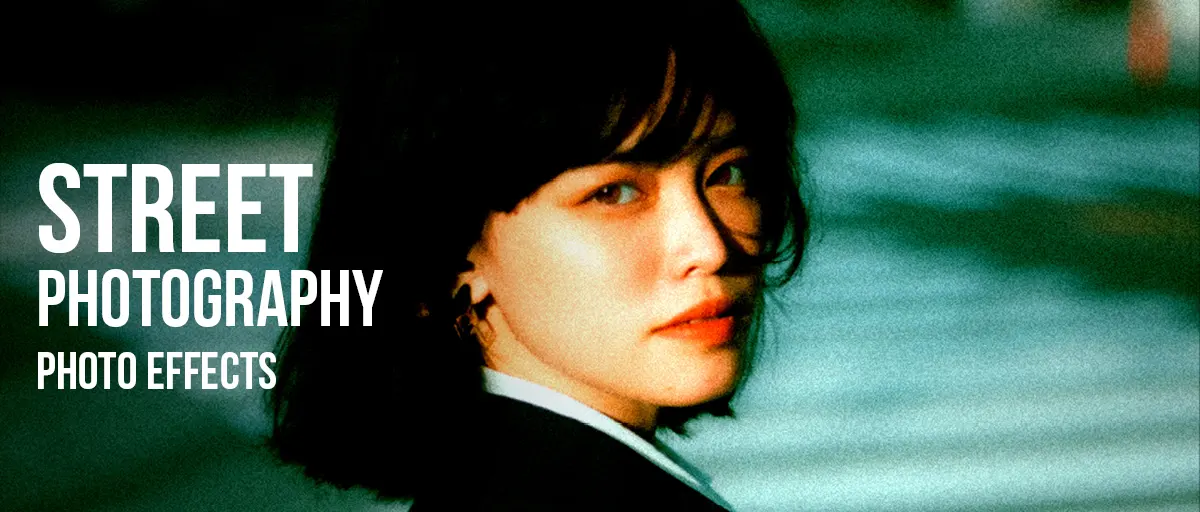 Street Photography Effects
5 effects
For street and documentary frames, where the edit is about contrast, grain and usually losing the colour. Start here if the photograph should look grabbed in the moment rather than composed at leisure.
See the collection
Street Photography Effects
5 effects
For street and documentary frames, where the edit is about contrast, grain and usually losing the colour. Start here if the photograph should look grabbed in the moment rather than composed at leisure.
See the collection
-
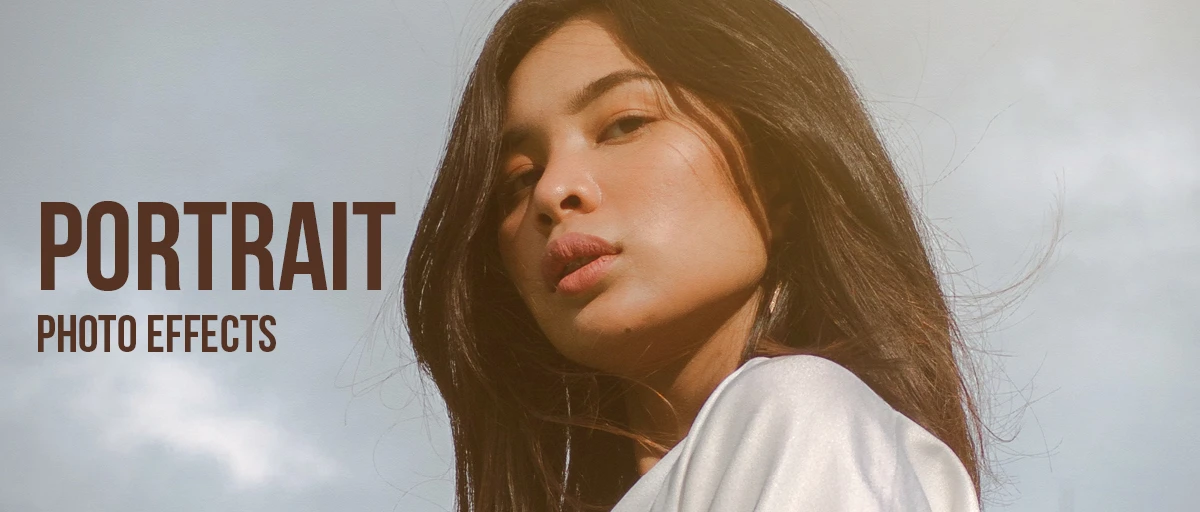 Portrait Photo Effects
4 effects
For faces, where an effect can go wrong fastest — skin shows every decision you make. Grouped by whether the portrait should stay flattering, look shot on film, become graphic artwork, or stop being identifiable at all.
See the collection
Portrait Photo Effects
4 effects
For faces, where an effect can go wrong fastest — skin shows every decision you make. Grouped by whether the portrait should stay flattering, look shot on film, become graphic artwork, or stop being identifiable at all.
See the collection
-
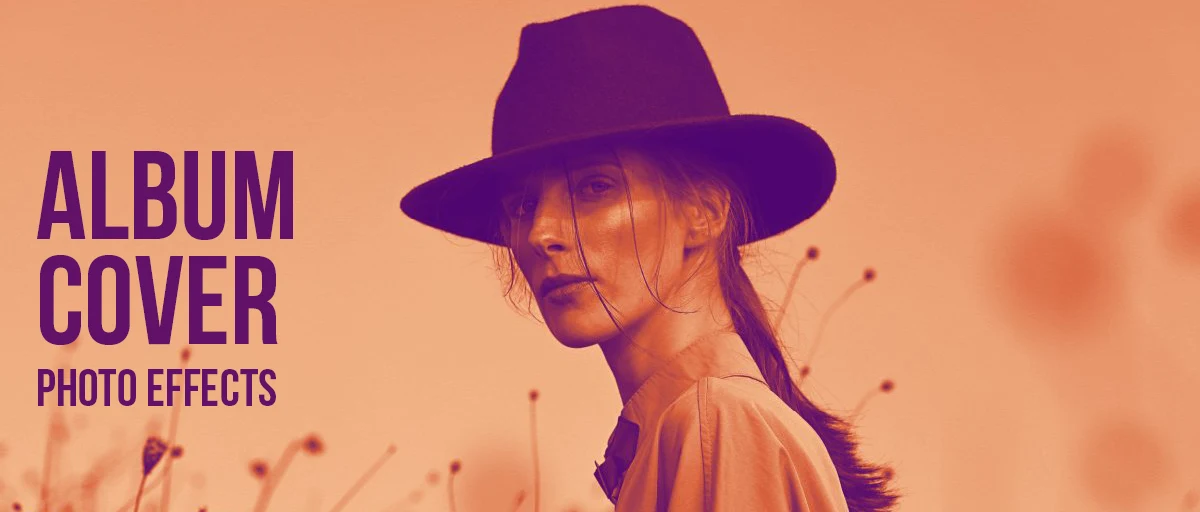 Album Cover Photo Effects
8 effects
For music artwork, chosen for one specific reason: they still read at thumbnail size. Start here for album and single covers, playlist art, and anything that has to survive being shrunk to 200 pixels.
See the collection
Album Cover Photo Effects
8 effects
For music artwork, chosen for one specific reason: they still read at thumbnail size. Start here for album and single covers, playlist art, and anything that has to survive being shrunk to 200 pixels.
See the collection
Not sure which effect to use?
Some collections group effects by look — the finish you want the picture to end up with. Others group them by use — what the picture is for, and what suits that job. Start from whichever you already know, because one of those is usually easier to answer than the other.
They overlap on purpose. Grainy Film Poster turns up in several, because heavy grain looks aged, urgent and legible at thumbnail size all at once. Wherever you come in from, you land on the same effect pages.
Or just browse everything
If none of that matches what you are after, the full list of all 23 effects is one page with a preview of each. The image tools are separate: the image resizer for cropping, resizing and compressing, and the WebP to JPG converter for files that will not open. The blog explains the processes behind the effects.